What a personalized AI story really is
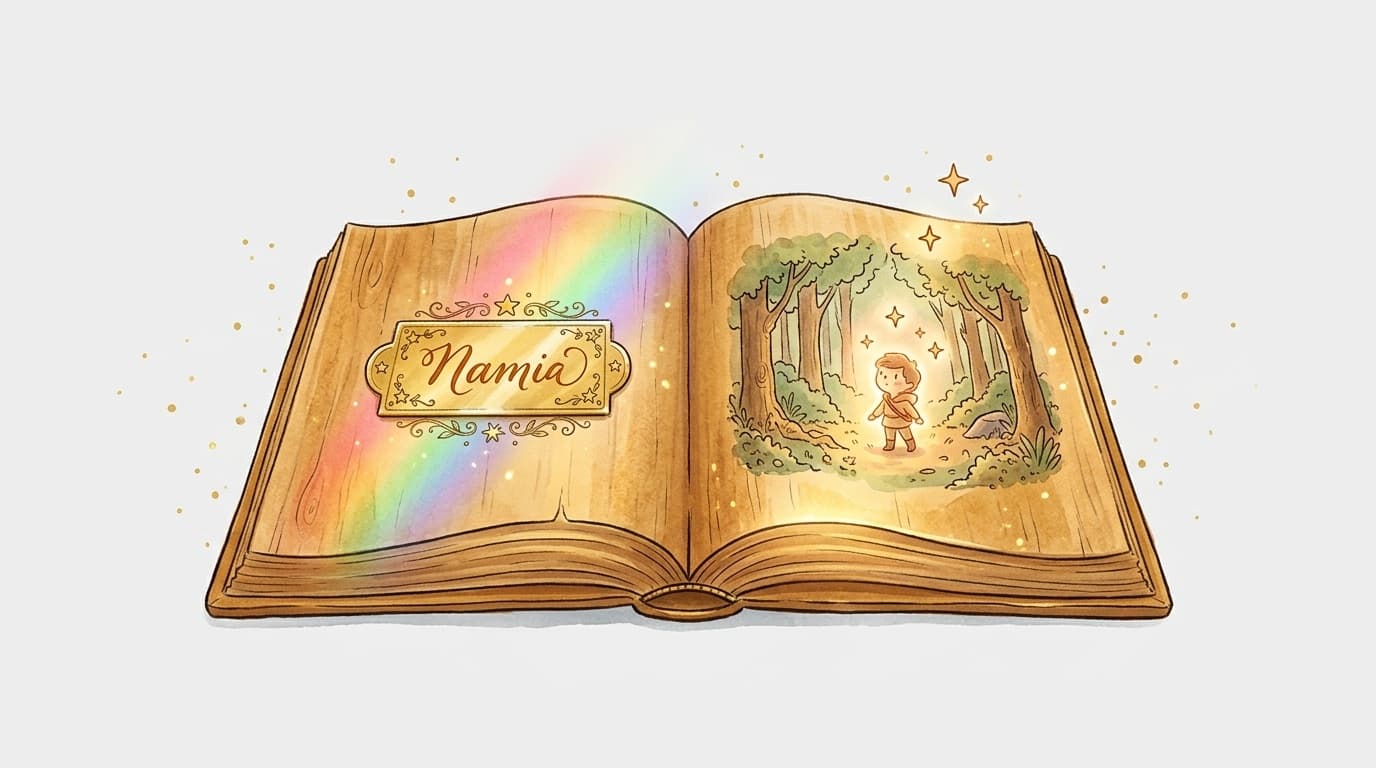
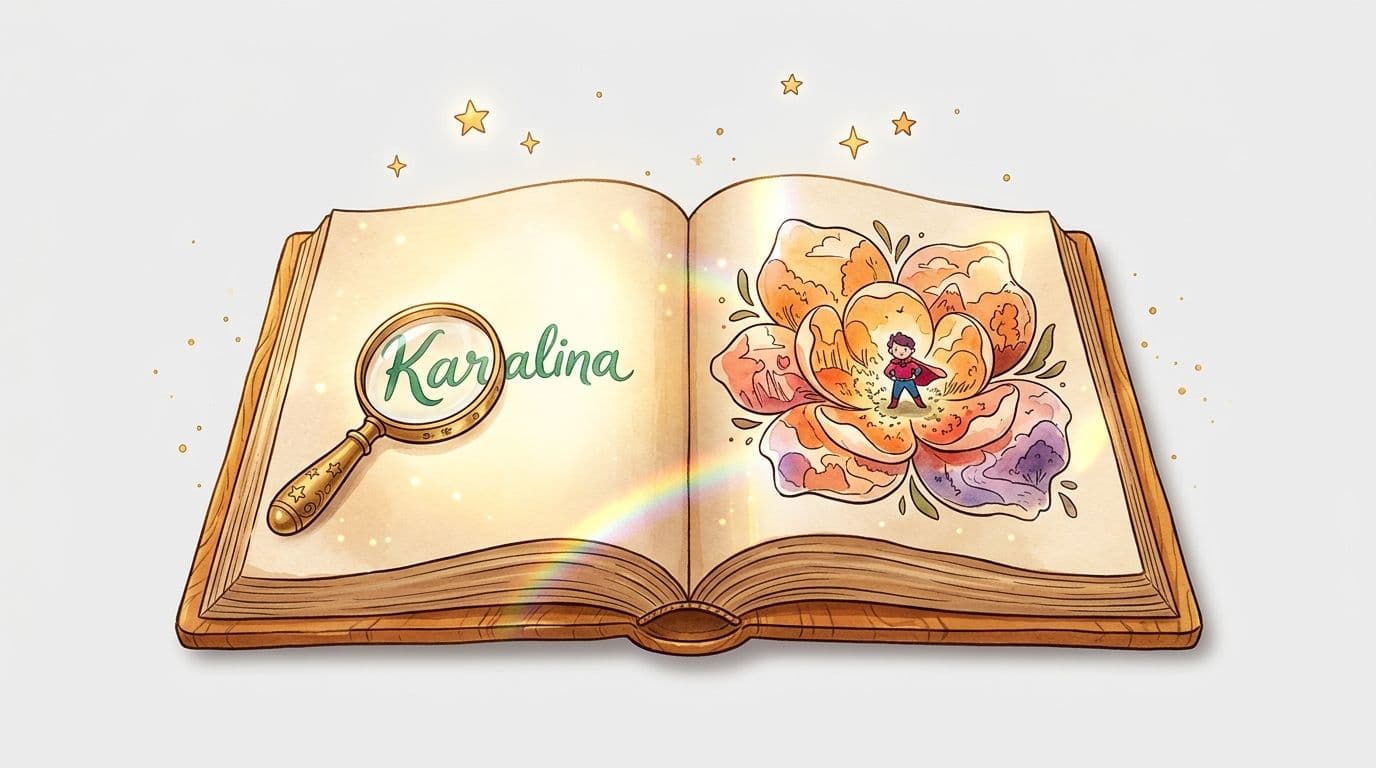
A personalized AI children's story is an illustrated tale generated automatically from the information you provide — the child's name, age, interests, and sometimes even their appearance. The AI weaves these elements into a cohesive narrative, complete with matching illustrations, in just a few minutes. The result: a one-of-a-kind story where the child gets to be the hero.
This isn't just swapping a name into a generic template. Today's tools craft a flowing narrative, supporting characters that feel right at home in the child's world, and illustrations that match the tone of the story. It's a genuine leap forward from "traditional" personalized books that simply slapped a name on the cover.
Choosing the right personalization elements
Before you dive in, think about what will make this story truly memorable for the child.
Name and age
Age shapes everything: vocabulary, sentence length, plot complexity. A story for a 3-year-old has a completely different structure and pace from an adventure aimed at a 7-year-old. Always include the target age — not just the name.
Their favorite universe
A child who loves dinosaurs will go on a very different adventure from one who's obsessed with princesses or superheroes. Good AI story generators ask for this theme first — it's the heart of narrative personalization.
The little details that make all the difference
A favorite stuffed animal's name, a best friend's name, a beloved color, a pet… These details transform a lovely story into a story that makes a child say "but that's ME!" That's where the real magic happens.
Creating your story step by step on MakerBook
- Create your account on MakerBook — it's free to get started
- Fill in the child's profile: name, age, and the main character's gender
- Choose a theme and universe: adventure, nature, animals, fantasy, space…
- Add your personal details: friends, pets, favorite objects, favorite place
- Select an illustration style: watercolor, cartoon, soft realism — each style creates a different mood
- Start generating and preview the story with its illustrations
- Tweak and refine any passages you're not happy with
- Export or order a print depending on how you want to use it
Mistakes to avoid
Too many details thrown in at once. A strong main character has 2–3 defining traits, not a list of fifteen. If you provide too much contradictory information, the AI will produce something disjointed. Stick to the essentials. Ignoring the reading level. A story generated for "a child" with no age specified risks coming out too complex or too simple. Be specific about this — it makes a huge difference to the final result. Not proofreading before printing. The AI rarely makes serious mistakes, but a misspelled name or an awkward repetition can slip through if you approve things too quickly. Take two minutes to read the story out loud before sending it to print.What you can do with your story once it's created
A personalized AI story isn't limited to a printed book. You can:
- Share it as a digital gift instantly — perfect when you've forgotten a birthday
- Print it at home in bound A4 format
- Order a professionally bound copy to turn it into a real keepsake gift
- Publish it on Amazon KDP if you want to go further — our Amazon KDP publishing guide walks you through the entire process
Frequently asked questions
How do I create a personalized story for a child with AI?
You provide the name, age, theme, and a few details about the child in a tool like MakerBook. The AI then generates an age-appropriate narrative text along with cohesive illustrations. The whole process takes less than ten minutes.
Is the AI-generated story truly unique?
Yes — each generation produces a different story, even with similar settings. The story isn't a template with blanks to fill in; it's an original piece of writing created from your input.
What's the minimum age for gifting a personalized AI book?
From birth, an illustrated picture book featuring the baby's name works beautifully. For a narrative story with a hero character, 2–3 years old is a great starting point. Children aged 4 to 8 tend to enjoy this type of book the most.
Can you edit the generated story before printing?
On MakerBook, absolutely — you can edit the text and re-generate illustrations if needed. It's worth taking that proofreading step to fine-tune the last details and make any adjustments before the final print.