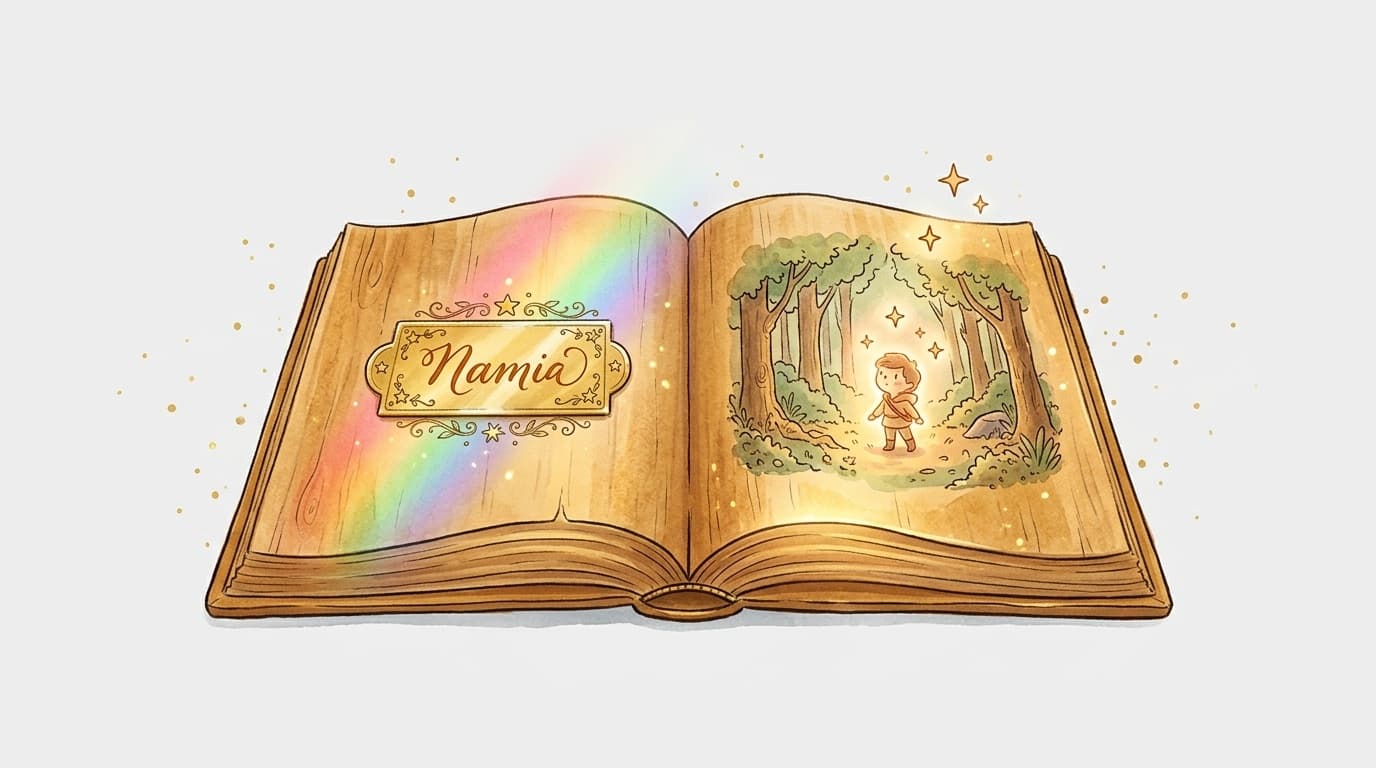
Léa gets a book for her 4th birthday. She opens it. The little girl in the story is named Léa, has the same curly hair as her, and sets off on an adventure in an enchanted forest. The result? She asks her parents to read it to her every single night for three weeks.
You can create that kind of magic yourself. And it's easier than you might think.
So what exactly is a personalized book with a child's name in it?
A personalized book with a child's name is an illustrated picture book where the hero shares the reader's name. The child is literally part of the story — as the main character, not just a bystander. The emotional connection is so much stronger than with a regular book.
You can take it even further by personalizing the character's age, skin tone, imaginary friends, or even the story's moral.
Three ways to make it happen
Order from a specialist website
Some sites offer ready-made templates: you fill in the name, pick a few options, and a printed book arrives at your door. It's quick, but you have almost no creative freedom. The story is fixed — and so are the illustrations.
The upside: zero effort. The downside: the book looks just like the one any other child with the same name would get.
Create the book from scratch yourself
Writing the text, sourcing or creating illustrations, laying out the pages, printing… It's rewarding, but incredibly time-consuming. Without illustration or design skills, the end result can be disappointing.
Use an AI platform like MakerBook
This is the middle path — and by far the most exciting one. You genuinely create your own book (you write the story, choose the visual style, customize the hero) without needing to know how to draw or master complex software.
On MakerBook, you describe your character, enter the child's name, and the AI generates consistent illustrations throughout the entire story. The character keeps the same face from page to page — which is the real technical challenge that most tools still can't pull off properly.
How to create a book with a child's name on MakerBook
- Create your account on MakerBook — it's free to get started
- Enter the name and a few physical traits for your character (hair color, skin tone, etc.)
- Write or generate the story — start from scratch or let the AI suggest a plot based on the child's age and your chosen theme
- Choose an illustration style — watercolor, cartoon, classic fairy tale… there's something for every taste
- Generate the illustrations page by page, tweaking as needed
- Finalize the layout and export your print-ready file
What makes a book truly personal (beyond just the name)
The name is just the starting point. What makes a child love their book is when it's packed with details that genuinely reflect who they are.
A few concrete ideas:
- The hero is afraid of the same things as the child (the dark, big dogs)
- Their best friend in the story shares the name of their school buddy
- The adventure takes place somewhere they know (their garden, their town)
- The ending resonates with something they're going through (starting school, a new sibling on the way)
You'll find more techniques for making your character unforgettable in this guide to creating memorable characters.
Who is it for?
A personalized book with a child's name is perfect for:
- A birthday — giving something no one else has
- A birth or christening — a keepsake that will last for years
- A child who doesn't like reading — seeing yourself in a story changes everything
- A grandparent's gift — you can even slip in a handwritten dedication
- A teaching tool — to tackle a sensitive topic (the death of a pet, divorce) in a gentle way
Frequently asked questions
Can you include a photo of the child in the book?
On MakerBook, the character is illustrated by the AI based on your description — not from a photo. The result is a consistent illustration in your chosen style, not a photo collage. This gives a much higher-quality, cohesive look throughout the entire book.
What's the minimum age for a child to enjoy a book with their name in it?
From around 2–3 years old, children recognize their name when they hear it and understand that it refers to them. A picture book with minimal text works really well from that age. For longer stories with proper narrative, 4–5 years old is the sweet spot.
How much does it cost to create a personalized book with MakerBook?
The book creation (text + illustrations) happens on the platform — check the MakerBook pricing page for available options. Printing is then handled based on the format you choose — online or through a local printer.
Can you create a book with an Arabic or Japanese name, or one with special characters?
Yes, as long as the names are incorporated into the text. The layout may need minor adjustments depending on the characters used, but MakerBook handles compound and international names without any issues.