A lot of parents have this idea floating around in their heads: making a real illustrated book for their child. With a story written just for them, their name on the cover, pictures that look like them. And then… they have no idea where to start, and the idea gets shelved.
Good news: in 2025, it's become something anyone can do. Even without knowing how to draw. Even without any publishing experience.
What "making an illustrated book" actually means
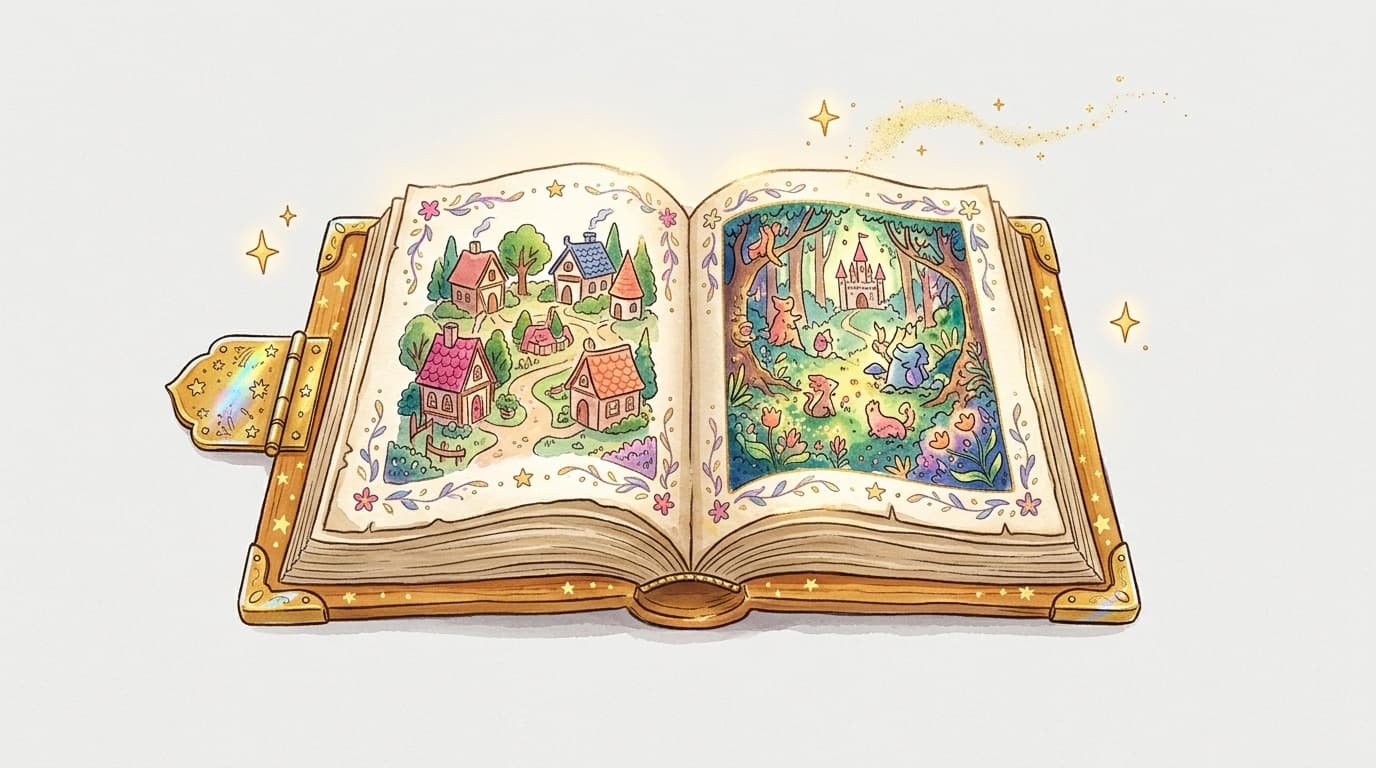
A children's illustrated book is a short story (usually 12 to 24 pages) paired with images that bring the text to life. The illustrations help the child understand, get immersed, and dream. That's what makes the format so magical.
In practice, you need to pull three things together: a story, illustrations, and a layout. Before AI, that meant either hiring an illustrator (think €500 to €3,000) or spending years learning to draw. Today, the tools have changed everything.
The number one obstacle: illustrations
The story itself? Most parents can write one. Even imperfectly, even simply — what matters is that the child sees themselves in it. But the pictures — that's where things get tricky.
Generative AI now makes it possible to create consistent, beautiful illustrations in a children's book style, without picking up a pencil. You describe what you want, the machine generates it. You tweak, you approve.
That's exactly what MakerBook does: you write your story (or get a little help writing it), and the platform generates illustrations page by page in a unified style — watercolor, fairy tale, adventure, whatever you choose.
How to create your book, step by step
- Find your story — 8 to 15 sentences are plenty for a children's book. Tell a simple adventure: the child loses something, goes on a quest, has a magical encounter, comes back having grown. The great classics work because they're universal.
- Choose an illustration style — soft watercolor for a baby, comic-book style for a 6-year-old, dark and epic illustrations for a teenager… The style sets the mood. Take a look at the book examples for inspiration.
- Generate the illustrations — with MakerBook, you enter your text and generate the images. Each page is handled separately to keep a consistent visual feel throughout the book.
- Adjust the layout — position the text, choose the font, tweak the margins. Nothing technical — everything works by drag and drop.
- Export or print — you can download your book as a PDF to print yourself, or order it as a bound copy directly.
How much does it cost and how long does it take?
With a platform like MakerBook, expect 1.5 to 3 hours for a first book — a good chunk of which you'll spend perfecting the details, because it's genuinely addictive.
On the financial side: significantly less than a freelance illustrator. MakerBook's pricing lets you create a complete book for a few dozen euros, including printing if you order a physical copy.
Here's a quick comparison:
| Method | Cost | Time | Result |
|---|---|---|---|
| Freelance illustrator | €500 – €3,000 | 2–6 months | Professional |
| DIY (drawing yourself) | Free | Years | Variable |
| AI platform (MakerBook) | Affordable | 1–3 hours | Professional |
| Home-printed DIY | A few € | 2–4 hours | Amateur |
What makes the book truly special
The real secret to a great illustrated book for a child is personalization. Not just the name on the cover — but a story that actually looks like them. Their favorite animal as a supporting character, their town as the setting, their fear or their dream as the central thread.
That's what makes a child's eyes go wide when they first discover the book. Not the illustrations (even though those matter too). It's seeing themselves in the story.
You'll find concrete tips on how to do exactly that in the guide to writing a children's story — with simple narrative structures you can use even if you've never written anything before.
Frequently asked questions
Do you need to know how to draw to create an illustrated book?
Not at all, not anymore. Tools like MakerBook generate illustrations from your text descriptions. You control the style and the content — the AI handles the drawing.
What age is a homemade illustrated book aimed at?
The format works for children roughly aged 0 to 10. For very young children (0–3 years), go for very short sentences and large, colorful illustrations. For 4–8 year olds, you can go for a proper story with twists and turns.
Can the book be printed as a physical copy?
Yes. MakerBook lets you export your book as a high-resolution PDF to print locally, or order a bound copy directly from the platform. You can also use services like Amazon KDP if you want to make several copies.
Can my child get involved in the creation?
Absolutely — and that's often the most fun part. Children aged 5–6 and up love choosing the characters, dictating parts of the story, or commenting on the generated illustrations. It becomes a shared creative activity.