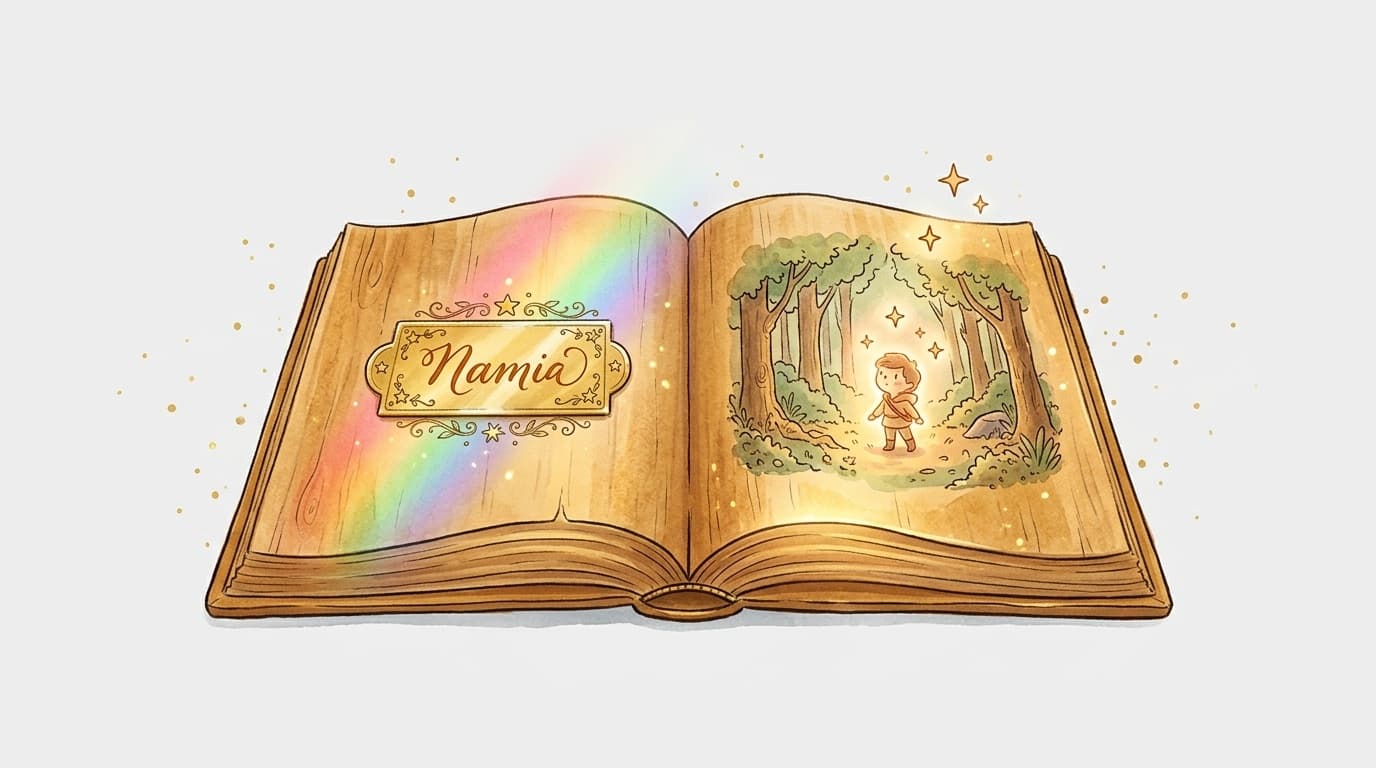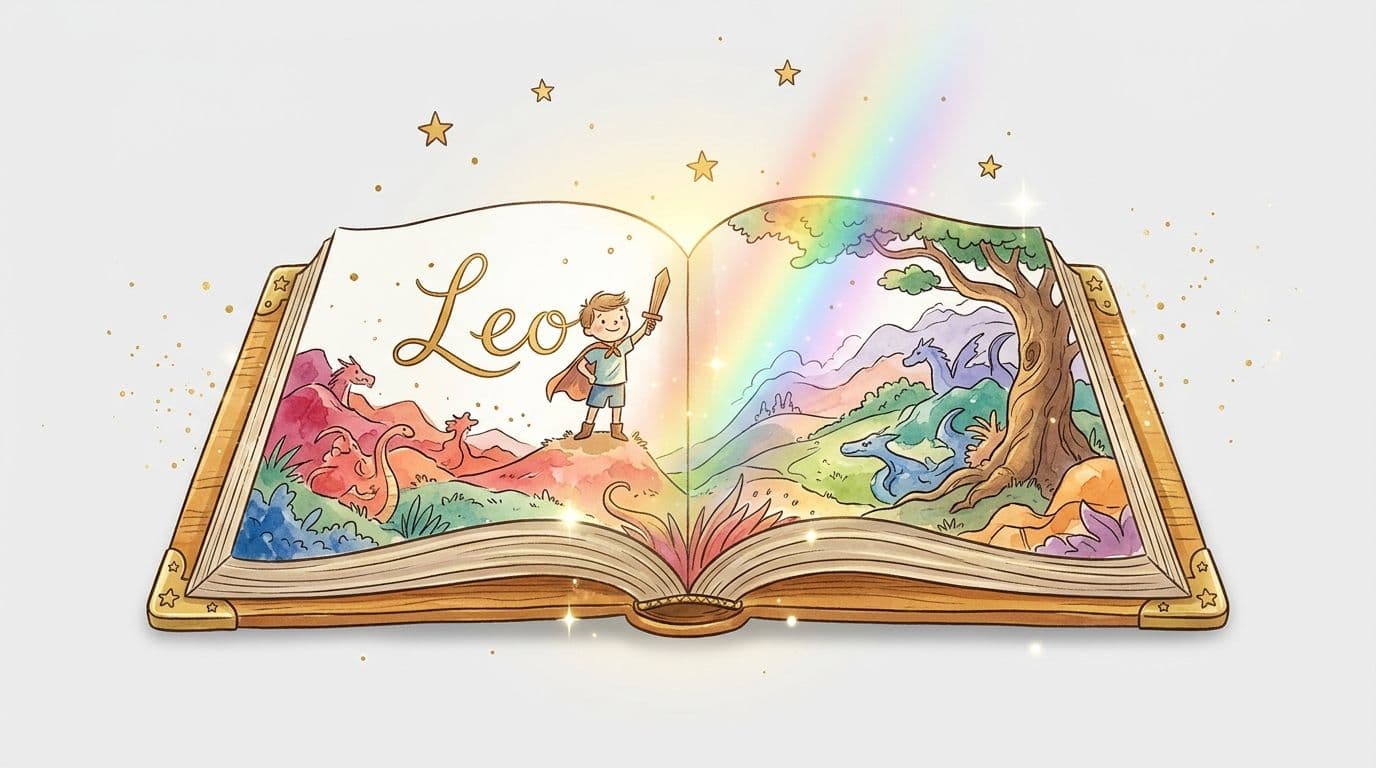
A book where the hero is actually called Léa, Tom, or Mathis. Not some generic name invented by an author who doesn't know you — your child's real name, written out loud and clear, page after page. This kind of book exists, and you can create one yourself without being a writer or a graphic designer.
What exactly is a book with your child's name in it?
A personalized book with your child's name is a story where the main character carries your child's actual name. Every time the hero speaks, acts, or goes on an adventure, it's their name that appears in the text. The result: your child recognizes themselves instantly and dives into the story as if it were written just for them.
Some personalized books go even further by including the child's age, physical features, or even their friends' names. But just the name alone works like magic — especially for kids aged 3 to 8.
Why kids absolutely love it
When a child hears their name in a story, something clicks in their brain. It's no longer a story about someone else — it's their story. They listen differently, they remember it better, and they keep asking for it to be read again.
For kids who aren't big readers, it often sparks something new. And for grandparents who live far away, giving a book with their grandchild's name in it is a gift that lasts far longer than any toy.
How to create this book yourself (no special skills needed)
A few years ago, this kind of book had to be ordered from specialist printers, with lead times of several weeks and a hefty price tag. Today, you can do it yourself online in under an hour.
Here's exactly how it works with MakerBook :
- You pick a theme — adventure, magic, animals, space, fairies, pirates… around ten different worlds to choose from.
- You enter your child's name (and a few optional details like their age or a fun trait).
- The AI generates the full story with the name woven naturally throughout the text.
- You choose an illustration style — watercolor, cartoon, vintage… the AI creates images tailored to the story.
- You tweak if needed — edit passages, swap an illustration, adjust the layout.
- You download or order a printed copy — a print-ready PDF or a physical book delivered to your door.
Mistakes to avoid
A few classic pitfalls when creating this type of book for the first time.
Picking a theme that's too generic. A magical forest adventure is great — but if you know your son is obsessed with dinosaurs or your daughter dreams of becoming an astronaut, lean into that. The result will be ten times more powerful. Skipping the age when generating the text. A story for a 3-year-old uses a very different vocabulary level than one for a 7-year-old. Enter the age right from the start so the text fits perfectly. Over-reading everything before you print. Trust yourself. Read the story out loud once — that's the best test. If you smile while reading, the child is going to love it.For which child and which occasion?
A personalized book with your child's name works for pretty much any age from 2 to 10. After 10, kids start to find it a bit "babyish" — though some teenagers still secretly love it.
The best occasions:
- Birthday (4, 5, 6 years old — the age when it feels most magical)
- Christmas
- The arrival of a new baby brother or sister (to help the older child navigate the change)
- Back to school
- A farewell gift from a teacher who wants to make it memorable
What about printing?
You have two options depending on what you want to do with the book.
Option 1: PDF to print at home or at a copy shop. Quick and affordable, but the result depends a lot on your printer. Great for testing or for a proudly homemade gift. Option 2: Professional printing. MakerBook lets you export a print-ready file. You can then order it through a platform like Amazon KDP or a local printer to get a proper paperback or hardcover book. The quality is in a different league. Create your book with your child's name — the first one is free to try.Frequently asked questions
Can I use any name, even an unusual or hyphenated one?
Yes — the name is simply inserted into the generated text. Whether it's Timéo, Marie-Lou, or Raphaëlle, it works exactly the same way. The AI has no restrictions when it comes to names.
From what age does a child understand that they're the hero of the book?
From around 2–3 years old, children react when they hear their name in the story. The real "I am the hero" moment tends to come closer to 4–5, when they also start recognizing their first words.
How long does it take to create a book with your child's name?
Allow 30 to 60 minutes for your first creation on MakerBook — story generated, illustrations chosen, and layout finalized. It's much faster than you'd expect.
Is the book also available as a physical printed copy?
Yes. From MakerBook, you can download a print-ready file and order it through a professional printer, or use Amazon KDP to receive a bound book at your door within a few days.