Great news: making a children's book yourself is much simpler than you think. You don't need to be an illustrator or a professional writer. You just need to know the right order to do things.
Where do you start when you want to make a children's book?
Before thinking about layout or illustrations, start with the story. Even short, even simple — a story needs to exist first.
A great starting point: think about the child you're creating the book for. What's their name? What's their favorite animal? What are they afraid of right now? What superpower would they dream of having?
A personalized story that puts the child front and center always works better than a generic one. The child recognizes themselves, laughs, and asks to hear it again and again.
To structure your story simply, check out the guide how to write a children's story — it walks you through the basic structure without any jargon.
How many pages? What format?
A lot of people get stuck on this question. Here are some concrete benchmarks:
- 0–3 years: 12 to 16 pages, 1 sentence per page, large illustrations
- 3–6 years: 24 to 32 pages, a few lines per page
- 6–9 years: 32 to 48 pages, denser text, illustrations still present throughout
Illustrations: this is where it all comes together
This is often the number one sticking point. "I can't draw." No worries — that's exactly why AI has changed the game.
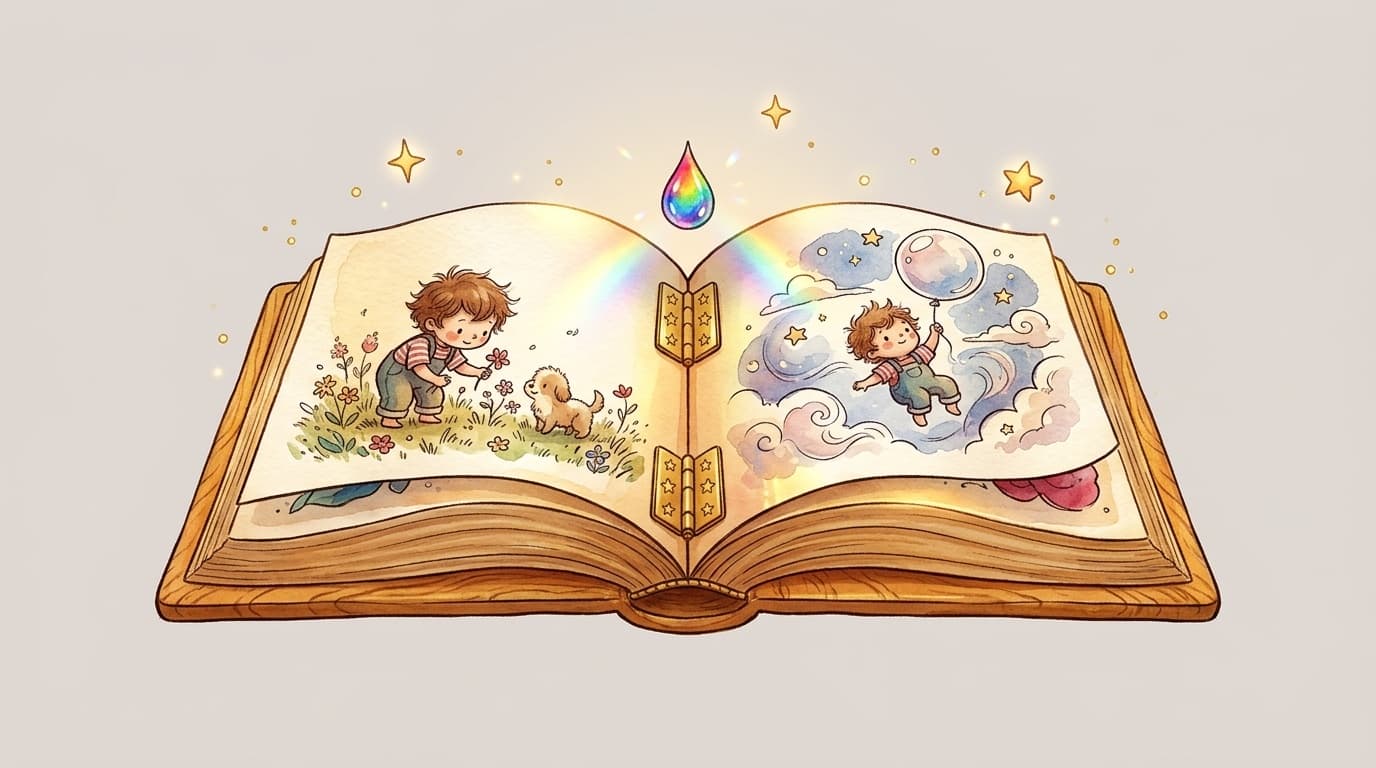
With tools like MakerBook, you generate cohesive illustrations for your entire book in just a few clicks. Not one illustration here and another there with a different style on every page — harmonized visuals, with the same character, the same graphic universe, from start to finish.
This is the detail that truly makes the difference between a book that looks like a real picture book and something that feels cobbled together. Visual consistency is the first thing parents and children notice.
If you want to learn more about the available styles, take a look at the guide choosing your illustration style.
From file to physical book
Once your story is written and your illustrations generated, you have two options:
Option 1 — You print it yourself. Totally doable for a one-of-a-kind homemade copy. A handcrafted feel, minimal budget. Great for a school project or a prototype. Option 2 — You order a professionally printed book. That's what services like MakerBook and print-on-demand printers make possible. You receive a paperback or hardcover book — with a rigid cover if you want — that looks just like something from a bookstore.The second option is the one we recommend if you're giving the book as a gift — the "wow" factor simply isn't comparable.
What people commonly do backwards
Classic mistake: starting with the layout before having a complete story. The result — you end up rewriting, re-cropping illustrations, and starting over from scratch.
Another trap: trying to make a perfect book on the first attempt. A first book is a learning experience. Better to finish an imperfect book than to abandon a perfect project that only ever existed in your head.
One last thing: don't underestimate proofreading. Read your text aloud to a child of the right age. You'll immediately feel what works and what doesn't land.
How much does it cost to make a children's book?
If you use a platform like MakerBook, the cost for a single copy starts at just a few euros for the digital file, and goes up depending on the format and finish for physical printing. That's very affordable compared to commissioning a professional illustrator, which can easily run into several hundred euros.
As a personalized gift, it's one of the best quality-to-emotion-to-price ratios on the market.
You can check MakerBook's pricing to get a clear idea based on what you want to create.
Frequently asked questions
How do I make a children's book if I can't draw?
Use an AI illustration tool like MakerBook. You describe your characters and your world, and the platform generates cohesive illustrations for the entire book. No drawing skills required.
Do I need special software to create a children's book?
Not necessarily. All-in-one platforms like MakerBook combine writing, illustration, and layout in a single tool. If you want more control over the layout, Canva or Adobe InDesign work great too.
How long does it take to make a children's book?
With a dedicated tool, a first 24-page book can be finished in one to two hours. Writing the story usually takes longer than the technical side of things.
Can you print just one copy of a children's book?
Yes, that's exactly what print-on-demand services are for. You don't need to order 100 copies — one is enough, whether it's a gift or a keepsake.