A book with no visibility is a treasure locked in a drawer. The book trailer — that short 60-to-90-second video that makes people want to read — is one of the most effective tools out there for getting your book noticed on social media. And no, you don't need to be a professional videographer.
What exactly is a book trailer?
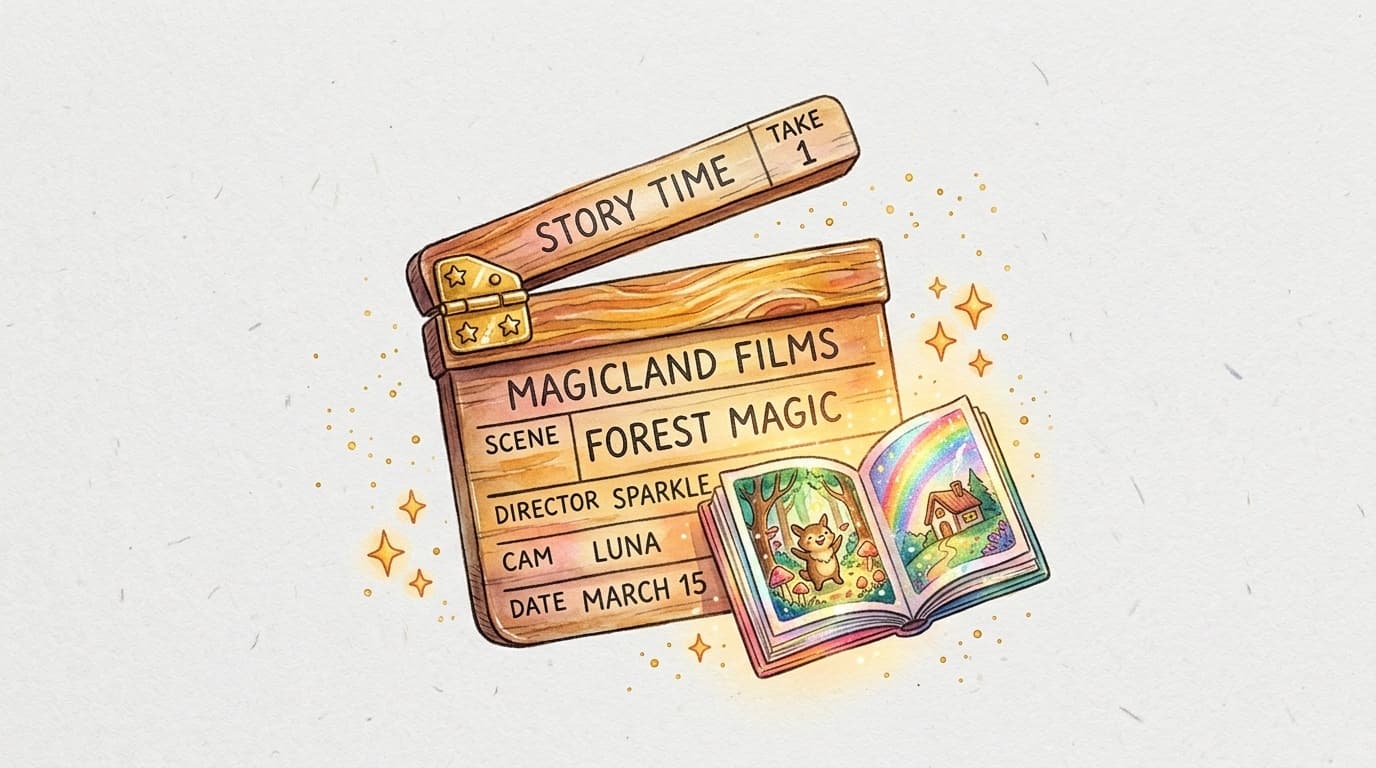
A book trailer is a short promotional video that presents your book like a movie trailer. It typically runs between 30 seconds and 2 minutes, showcases a few illustrations, sets the mood of the story, and ends with a clear call to action — where to buy the book, how to order it.
For an illustrated children's book, it's especially powerful: the illustrations speak for themselves, and parents and grandparents love sharing this kind of content on Facebook or Instagram.
What you need to get started
Not much, really:
- Your book's illustrations in high resolution (5 to 8 is plenty)
- Royalty-free music — search on Free Music Archive or YouTube Audio Library
- A free editing tool — CapCut, Canva, or even the Photos app on iPhone all do the job beautifully
- A short piece of copy — 2 to 3 sentences that sum up the story in an intriguing way
The 5-step structure that works
- Hook (0–5 seconds) — A striking illustration or a mysterious question displayed on screen. "What if your child became the hero of their own story?"
- Atmosphere (5–20 seconds) — Scroll through 3 or 4 illustrations in time with the music. No text — let the images do the talking.
- Story pitch (20–40 seconds) — A few words appear gradually: the hero's name, the challenge they face, what they're about to discover. Short, mysterious, engaging.
- A powerful moment (40–60 seconds) — A particularly beautiful illustration or a line from the book displayed with style.
- Call to action (last 5 seconds) — The book's title, your name, and where to find it. Simple, readable, memorable.
Classic mistakes to avoid
Too much text on screen. People watch videos without sound and on the go. Every text element should be no more than 4 words, displayed for at least 2 seconds. Music that's too loud. Music is there to create emotion, not to overpower the video. Drop the volume to 60–70% and you'll already have a professional-sounding result. A single format. Instagram Reels and TikTok want vertical video (9:16). YouTube and Facebook prefer horizontal (16:9). Export your trailer in two versions — it takes 2 minutes and makes a huge difference to your reach. Forgetting subtitles. 85% of videos on social media are watched without sound. Add automatic subtitles in CapCut or Canva with a single click.Recommended free tools
| Tool | Format | Level | Best for |
|---|---|---|---|
| CapCut | Mobile/Desktop | Beginner | TikTok, Reels |
| Canva | Desktop | Beginner | Facebook, LinkedIn |
| iMovie | Mac/iPhone | Beginner | YouTube |
| DaVinci Resolve | Desktop | Intermediate | All formats |
Where to publish your book trailer
Once your trailer is ready, share it here:
- TikTok — tag #childrensbooks #booktrailer #selfpublishing
- Instagram Reels — the ideal format for reaching parents
- Facebook — book groups, parent groups, local bookstore pages
- YouTube — set up a simple author channel; a trailer indexed under "[book title]" brings you long-term traffic
A well-made book trailer spreads on its own. A parent who watches a touching 60-second video about a book where their child becomes the hero — they'll forward it to their whole family immediately. It's word-of-mouth, digital style, and it's completely free.
If you don't have your book ready yet, start by creating your story on MakerBook. Your AI-generated illustrations will be ready to use straight away in your trailer.
Frequently asked questions
How long does it take to make a book trailer?
Budget between 30 minutes and 2 hours for your first trailer using a tool like CapCut or Canva. The more you make, the faster you get — your second one usually takes half the time.
Does a book trailer really help sell books?
Yes, especially for children's books. A video showcases the illustrations, conveys emotion, and reassures buyers about the visual quality of the book. Independent authors who share trailers on Instagram and TikTok regularly report a 20–40% increase in sales in the days that follow.
Can I use any music for my book trailer?
No. A popular song will get your video taken down immediately on YouTube or Instagram. Only use royalty-free music — Free Music Archive, YouTube Audio Library, and Pixabay Music all offer hundreds of free, legal tracks.
Do I need to appear on camera in my book trailer?
Not at all. The vast majority of children's book trailers feature nothing but illustrations, animated text, and background music. If you're comfortable in front of a camera you can film yourself presenting the book, but it's absolutely not required to achieve a professional result.